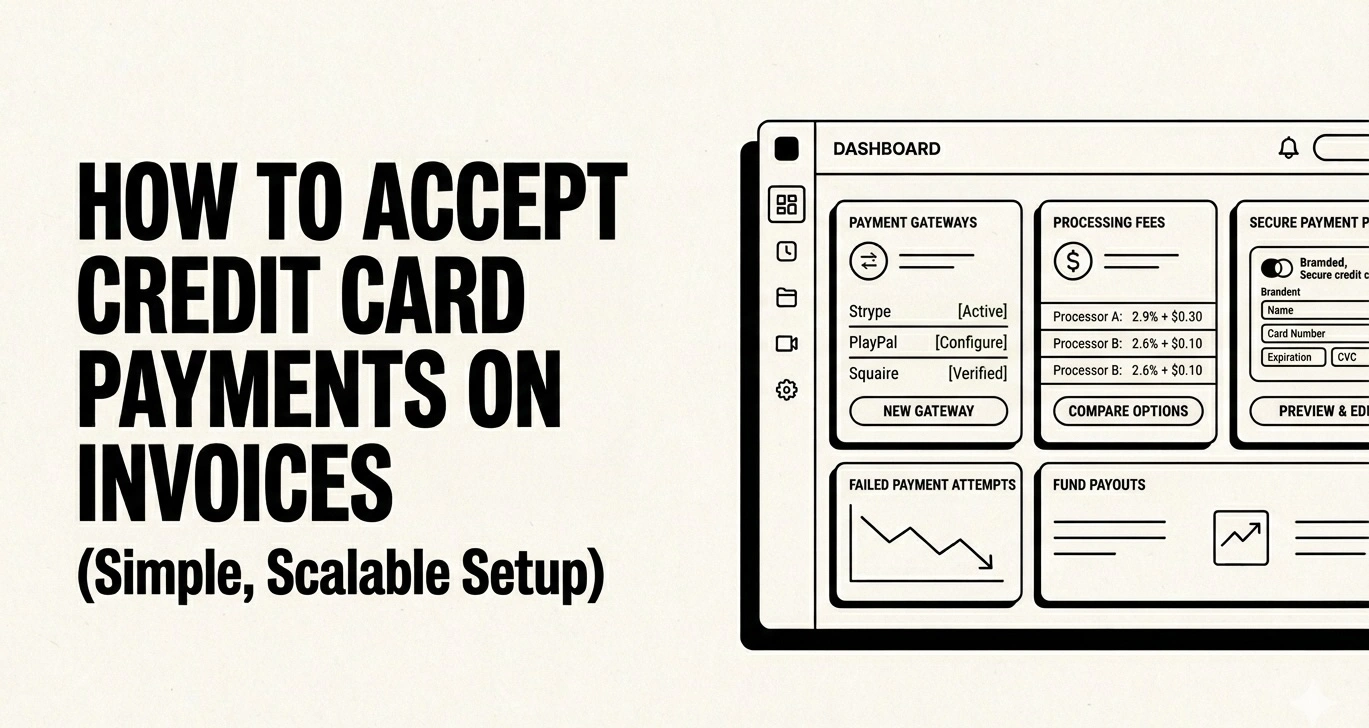
How to Accept Credit Card Payments on Invoices (Complete Guide for Small Business)
Getting paid shouldn't be the hardest part of running a business. Yet for many freelancers, agencies, and small business owners, chasing payments is a constant drain on time and energy. One of the most effective ways to get paid faster is to accept credit card payments on your invoices.
According to a 2025 study by the Federal Reserve, credit and debit cards account for over 75% of all non-cash payments in the United States. If your invoices only accept bank transfers or checks, you're creating unnecessary friction — and leaving money on the table.
In this comprehensive guide, you'll learn exactly how to set up credit card payments on your invoices, compare the best payment processors, understand the real costs involved, and implement best practices that help you reduce late payments dramatically.
Why Accept Credit Card Payments on Invoices?
Before diving into the how, let's address the why. Accepting credit card payments on invoices isn't just about convenience — it's a strategic business decision that directly impacts your cash flow.
1. Dramatically Faster Payment Times
Invoices with a "Pay Now" credit card button are paid an average of 11 days faster than those requiring bank transfers or checks. When a client can click a link and pay in 30 seconds, there's no reason to delay. Compare that with writing a check, finding an envelope, and mailing it — or even logging into a banking portal to set up a wire transfer.
If you're struggling with slow-paying clients, combining credit card payments with automatic invoice reminders creates a powerful system that practically eliminates payment delays.
2. Lower Payment Friction = Higher Collection Rates
Every extra step in the payment process increases the chance a client will procrastinate. Credit card payments remove almost all friction:
3. Professional Image
Clients expect modern payment options. When you send a polished invoice with embedded payment links, it signals that you run a professional operation. This matters especially for freelancers and small businesses competing with larger firms.
4. Improved Cash Flow Predictability
Credit card payments typically settle in 1–2 business days. Checks can take 5–10 days to arrive and another 2–3 to clear. ACH transfers take 3–5 business days. This speed difference compounds over dozens of invoices, giving you much better cash flow visibility.
How Credit Card Processing Works for Invoices
Understanding the mechanics helps you make informed decisions about processors and pricing. Here's what happens when a client pays your invoice by credit card:
- Client clicks "Pay Now" on your invoice (via email link or client portal)
- Payment gateway encrypts the card data and sends it to the processor
- Card network (Visa, Mastercard, Amex) routes the transaction to the issuing bank
- Issuing bank approves or declines based on available credit and fraud checks
- Confirmation flows back through the chain — your invoice is marked as paid
- Settlement occurs 1–2 business days later when funds hit your bank account
The entire process takes seconds from the client's perspective. Behind the scenes, multiple parties take a small percentage — which is why understanding processing fees matters.
Choosing the Right Payment Processor
Not all payment processors are created equal, especially for invoice-based businesses. Here's what to evaluate:
Key Selection Criteria
Payment Processor Comparison (2026)
Here's an honest comparison of the most popular payment processors for invoice-based businesses:
Pro tip: If you're using Can You Pay That's free invoice generator, you can add a payment link directly to your invoice — making it easy for clients to pay by card without any complex integration.
Step-by-Step: Adding Credit Card Payments to Your Invoices
Here's the practical walkthrough for getting credit card payments set up on your invoices, regardless of which platform you use:
Step 1: Choose Your Payment Processor
Based on the comparison above, select the processor that fits your business. Consider:
Step 2: Create Your Account and Verify Your Business
All processors require identity verification (KYC). Have ready:
Verification typically takes 1–3 business days. Some processors (like Stripe) offer instant onboarding with a temporary hold on payouts until verification completes.
Step 3: Generate a Payment Link
Most processors now offer payment links — unique URLs that open a hosted payment page. This is the easiest integration method for invoices:
- In your processor dashboard, create a payment link for the invoice amount
- Optionally pre-fill the client's name and email
- Copy the generated URL
Step 4: Add the Payment Link to Your Invoice
Include the payment link prominently on your invoice. Best placement options:
With Can You Pay That, you can paste your Stripe payment link directly into the invoice — the system automatically adds a prominent "Pay Now" button that clients can't miss.
Step 5: Send the Invoice and Track Payment
Send your invoice via email and monitor the payment status. Set up automatic reminders for unpaid invoices — the combination of easy payment + gentle nudges is the fastest path to getting paid.
Step 6: Reconcile and Record
When payment arrives, match it to the invoice in your accounting system. If you're using an integrated solution, this happens automatically. Otherwise, note the transaction ID for your records.
Understanding Credit Card Processing Fees
Processing fees are the trade-off for faster payments and higher collection rates. Here's how to think about them strategically:
Fee Structures Explained
Flat-rate pricing (e.g., Stripe at 2.9% + $0.30): Simple and predictable. You pay the same rate regardless of card type. Best for businesses processing under $10,000/month.
Interchange-plus pricing (e.g., Helcim at interchange + 0.3% + $0.08): The processor charges a thin markup on top of the actual interchange rate set by card networks. Interchange varies by card type (debit cards cost less than corporate Amex cards). Best for businesses processing $10,000+/month.
Real-World Fee Examples
Use our free payment calculator to model the exact impact of processing fees on your invoices.
Should You Pass Fees to Clients?
This is a common question. Here's the framework:
Important: Credit card surcharging is legal in most US states but regulated. Check your state's laws and card network rules before adding surcharges. Visa maintains a list of states where surcharging is restricted.
Invoice Payment Methods Compared
Credit cards aren't the only option. Here's how all major invoice payment methods stack up:
Recommendation: Offer credit card as the primary method with ACH as a fee-free alternative. This covers 95%+ of client preferences while giving price-sensitive clients an option.
Best Practices for Accepting Card Payments on Invoices
1. Make the "Pay Now" Button Impossible to Miss
The payment link should be the most prominent element on your invoice after the amount due. Use a brightly colored button, place it above the fold, and repeat it in the email body when sending digitally.
2. Offer Multiple Payment Options
While credit cards should be your primary method, always offer at least one alternative (ACH/bank transfer). Some clients have corporate policies against card payments, and you don't want to lose a deal over payment mechanics.
3. Send Invoices with Embedded Payment Links
Don't attach a PDF and hope clients figure out how to pay. Send invoices with a direct "Pay Now" link in the email. Every click you eliminate from the payment process increases your collection rate.
Learn how to craft the perfect invoice email with our guide on asking for payment politely.
4. Set Up Automatic Payment Reminders
Pair your credit card payment option with automatic reminders. The ideal reminder schedule sends nudges at:
Each reminder should include the payment link prominently.
5. Use Clear Payment Terms
State accepted payment methods in your contract and on every invoice. Include details like:
6. Enable Saved Cards for Repeat Clients
If you bill the same clients monthly (retainers, subscriptions), ask if they'd like to save their card for automatic payments. This eliminates invoice chasing entirely for your retainer clients.
7. Reconcile Payments Promptly
Match credit card payments to invoices within 24 hours. This keeps your financial reporting accurate and helps you spot any discrepancies early.
Security and PCI Compliance
Accepting credit card payments comes with security responsibilities. The good news: modern payment processors handle most of the heavy lifting.
PCI DSS Compliance
The Payment Card Industry Data Security Standard (PCI DSS) is a set of requirements for businesses that handle card data. Here's what you need to know:
Best Security Practices
Common Mistakes to Avoid
❌ Not Including a Payment Link
Sending a PDF invoice without a clickable payment method is the #1 reason invoices sit unpaid. Always include a direct payment link.
❌ Hiding Payment Options
Don't bury the payment button at the bottom of a long invoice. Put it front and center.
❌ Not Following Up
Even with credit card payments enabled, some clients will still delay. Set up polite reminder emails to nudge them.
❌ Ignoring International Clients
If you work with international clients, ensure your processor supports their card types and currencies. A client in the UK shouldn't see USD-only payment options.
❌ Not Offering a Fee-Free Alternative
Some clients (especially large companies with accounts payable departments) may push back on credit card payments due to corporate card limits or procurement policies. Always offer bank transfer as a backup. Provide clear vendor onboarding information to make this seamless.
❌ Forgetting Mobile Users
Over 40% of invoice emails are opened on mobile devices. Ensure your payment link works perfectly on phones — test it yourself before sending to clients.
Frequently Asked Questions
Start Accepting Credit Card Payments Today
Adding credit card payment options to your invoices is one of the highest-ROI changes you can make to your payment process. The 2.5–3% processing fee pays for itself many times over through faster payments, fewer follow-ups, and improved cash flow.
Here's your action plan:
- Sign up for a payment processor (Stripe is our recommendation for most businesses)
- Generate a payment link for your next invoice
- Send the invoice with a prominent "Pay Now" button
- Set up automatic reminders as a safety net
Ready to create professional invoices with built-in payment links? Try Can You Pay That free — our invoice generator makes it easy to add credit card payment options, send invoices, and track who's paid, all in one place.