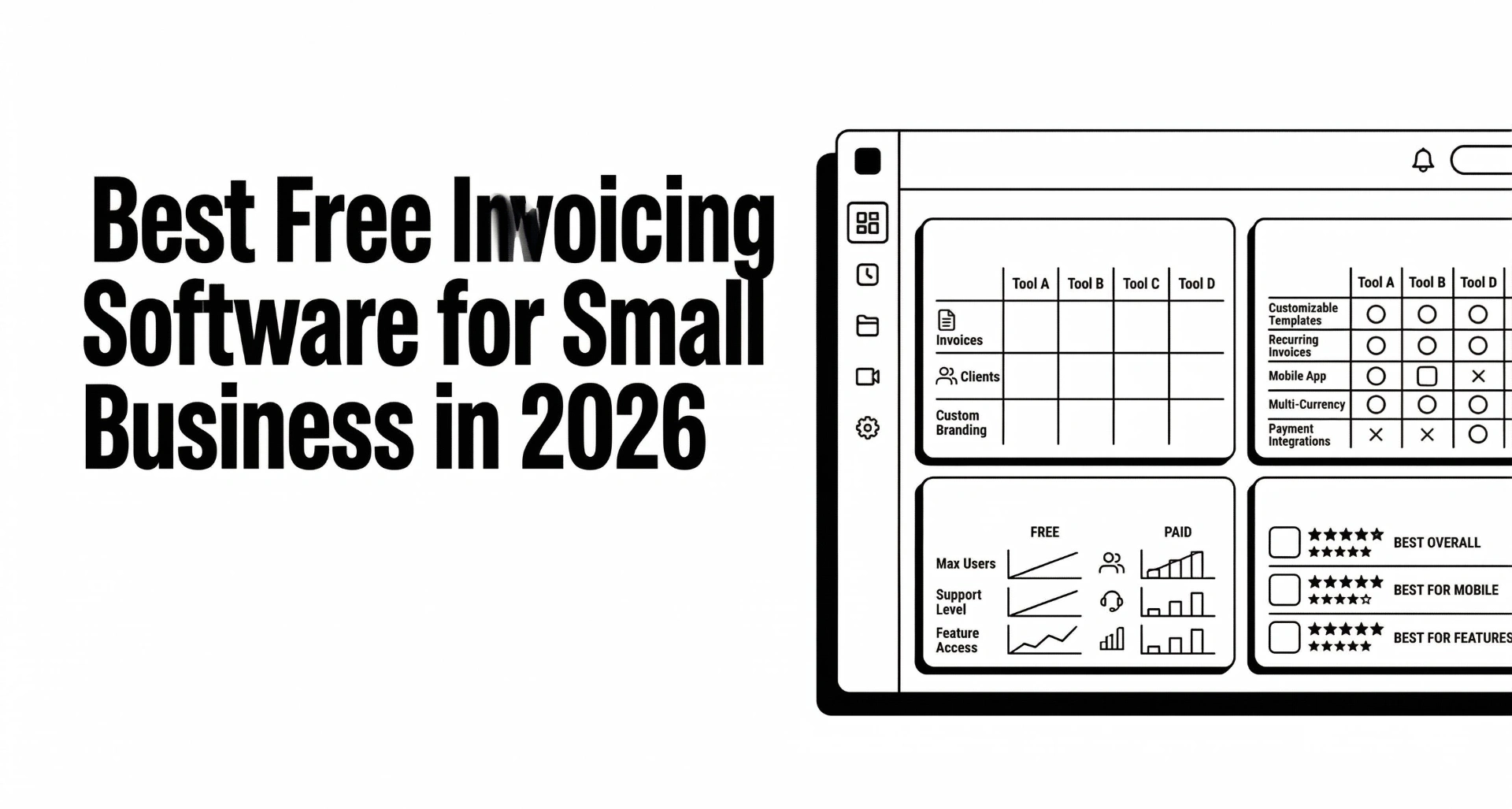
Best Free Invoicing Software for Small Business in 2026 (Tested & Compared)
Sending invoices shouldn't cost you money before you've even been paid. That's the promise of free invoicing software — but as any freelancer or small-business owner will tell you, "free" rarely means "everything you need."
We tested 10 of the most popular free invoicing apps and rated them on what actually matters: how fast you can create an invoice, whether you can automate payment reminders, how easy it is to track who owes you, and — the part everyone forgets — how well each tool helps you get paid.
This guide is for solopreneurs, freelancers, consultants, and small-business owners who need the best invoicing software for small business without a big budget. By the end you'll know exactly which free invoicing app fits your workflow — and where each one falls short.
What to Look for in a Free Invoicing App
Before jumping into the list, here's the checklist we used to evaluate every tool. These are the features that separate a truly useful free invoicing app from one that will have you upgrading within a week:
We also checked for deal-breakers: forced branding on the free plan, hidden transaction fees, and missing PDF export.
The 10 Best Free Invoicing Software Tools for Small Business (2026)
Here's how the most popular options stack up across the features that matter most.
Note: Features and limits are based on free or lowest-tier plans as of March 2026. Paid upgrades may unlock additional capabilities.
Detailed Reviews: Best Free Invoicing Apps
1. Can You Pay That — Best Overall for Getting Paid
Best for: Freelancers, agencies, and consultants who want to send invoices and actually collect payment without manual follow-up.
Can You Pay That was built for one purpose: helping small businesses get paid faster. Unlike traditional accounting software that treats invoicing as a side feature, every part of this tool — from the free invoice generator to the automatic reminder engine — is optimized for payment collection.
Free plan highlights:
What makes it different: Most free invoicing apps stop at "send the invoice." Can You Pay That includes the entire accounts receivable workflow — from the first reminder email to escalation — on the free plan. You can configure a complete reminder schedule and let the system handle follow-ups automatically.
Limitation: It's focused on invoicing and payment collection, not full accounting. If you need double-entry bookkeeping, you'd pair it with Xero or QuickBooks.
2. Wave — Best Free Accounting + Invoicing Combo
Best for: Solo businesses that want invoicing bundled with free bookkeeping.
Wave has been a go-to free invoicing app for years because it bundles invoicing with accounting, receipt scanning, and basic reporting — all at no cost. The invoicing interface is clean, and you can customize templates with your logo and brand colors.
Free plan highlights:
Limitation: No automatic payment reminders. This is Wave's biggest gap for anyone trying to reduce late payments. You have to manually resend invoices or write follow-up emails yourself. For a workaround, see our reminder email templates.
3. Zoho Invoice — Best for Professional Customization
Best for: Small businesses that want polished, branded invoices with automation — as long as you have 5 or fewer clients.
Zoho Invoice is feature-rich and well-designed. The free plan includes automated reminders, a client portal, time tracking, and project-based invoicing. The catch? It limits you to 5 clients.
Free plan highlights:
Limitation: The 5-client cap makes it impractical for anyone with a growing roster. Paid plans start around $9/month.
4. PayPal Invoicing — Easiest Setup, Highest Fees
Best for: Quick one-off invoices to clients who already use PayPal.
If your client says "just send me a PayPal invoice," this is the fastest path. No signup for a separate tool — you create the invoice from your existing PayPal Business account. Basic reminders are available, and clients can pay via credit card or PayPal balance.
Free plan highlights:
Limitation: Transaction fees (2.9% + $0.30 per payment) eat into your margins. No recurring invoices on the free tier. Limited customization. No client portal or AR tracking.
5. Square Invoices — Best for In-Person + Online
Best for: Service businesses that invoice online and take in-person payments.
Square's free plan is surprisingly capable for invoicing. You get unlimited invoices, basic reminders, and recurring billing. The real advantage is if you also take payments in person (via Square's POS hardware) — everything flows into one dashboard.
Free plan highlights:
Limitation: USD-only on the free plan. Limited customization. Processing fees apply (2.6% + $0.10 for card payments).
6. Invoice Ninja — Best Open-Source Option
Best for: Tech-savvy users who want maximum control and self-hosting options.
Invoice Ninja is open-source and offers one of the most generous free plans available. You get unlimited invoices, clients, auto-reminders, a client portal, and even late-fee support. The trade-off is a steeper learning curve and an interface that's functional but not beautiful.
Free plan highlights:
Limitation: The UI feels dated compared to modern tools. Self-hosting requires technical knowledge. The cloud-hosted free plan shows "Invoice Ninja" branding.
7. Hiveage — Best for Simple, Clean Invoicing
Best for: Freelancers who want a no-fuss interface for a small number of clients.
Hiveage is clean, fast, and focused. The free plan covers 5 clients with unlimited invoices, recurring billing, and time tracking. It's not trying to be an accounting platform — just a really good invoicing tool.
Free plan highlights:
Limitation: 5-client limit. No client portal. Basic reporting only.
8. Invoicely — Best for Unlimited Basic Invoicing
Best for: Users who need to send unlimited invoices to unlimited clients with zero cost and zero complexity.
Invoicely's free tier is generous on volume — unlimited invoices, clients, and estimates. The interface is straightforward and gets the job done without overwhelming you with features you don't need.
Free plan highlights:
Limitation: No automatic reminders. No recurring invoices. No client portal. Essentially, it's a PDF generator with a send button. You'll need to handle all follow-up manually.
9. QuickBooks Simple Start — Best for Full Accounting (Not Really Free)
Best for: Businesses that need a complete accounting suite and don't mind paying after the trial.
QuickBooks doesn't have a true free plan — it offers a 30-day trial. But it makes this list because so many people search for "free QuickBooks invoicing," and you should know what you're actually getting. Simple Start includes invoicing, expense tracking, basic reports, mileage tracking, and receipt capture.
Trial highlights:
Limitation: After 30 days, pricing starts at $30/month. The reminder system, while functional, is limited compared to dedicated tools — see our detailed breakdown of what QuickBooks reminders can and can't do.
10. Xero Starter — Best for International Small Businesses (Also Not Free)
Best for: International businesses that want strong multi-currency support and clean UX.
Like QuickBooks, Xero doesn't have a free plan — the Starter tier costs around $15/month and limits you to 20 invoices. It's included here because of its popularity in the "best invoicing software" search space. Xero's interface is arguably the most polished of any accounting tool, and its multi-currency handling is excellent.
Starter plan highlights:
Limitation: 20-invoice cap on Starter is restrictive. No late-fee automation. Reminder setup is manual and limited — we cover the workarounds in our Xero reminders guide.

How to Choose the Best Free Invoicing Software for Your Business
With 10 options on the table, here's how to narrow it down based on your situation:
If You're a Solo Freelancer (1–10 Clients)
You need speed, simplicity, and automatic reminders. Every hour you spend chasing invoices is an hour you're not billing.
Best picks: Can You Pay That (unlimited + full automation), Zoho Invoice (if under 5 clients), or Hiveage (if you want simplicity).
Also read: 50% Upfront, Milestones, or Monthly Retainers?
If You're a Growing Small Business (10–50 Clients)
Client limits become a problem fast. You also need multi-user access, a client portal, and a way to track who's overdue at a glance.
Best picks: Can You Pay That (unlimited clients + AR inbox), Invoice Ninja (if you want open-source), or Wave (if you need free accounting too).
Set up your follow-up system: Invoice Reminder Schedule Builder
If You Bill International Clients
Multi-currency support and proper formatting (currency symbols, decimal separators) are essential. You also need to handle different payment terms by region.
Best picks: Can You Pay That (50+ currencies), Xero (best currency UX, but paid), or Zoho Invoice.
If You Also Need Accounting
If you want invoicing and bookkeeping in one tool, your free options are limited but real.
Best picks: Wave (truly free accounting + invoicing), or pair Can You Pay That with Xero or QuickBooks for the best of both worlds.
The Hidden Costs of "Free" Invoicing Software
Before you commit to any free invoicing app, understand what "free" actually costs you:
1. Your Time Chasing Payments
The #1 hidden cost. If your invoicing app doesn't automate reminders, you become the reminder system. According to industry data, small businesses spend an average of 14 hours per month on payment collection activities. At any reasonable hourly rate, that "free" tool is costing you $500–$1,500/month in lost productivity.
Build your system: How to Reduce Late Payments From Clients
2. Transaction Fees
PayPal charges 2.9% + $0.30 per transaction. Square charges 2.6% + $0.10. On a $5,000 invoice, that's $145–$175 gone. If you process $50,000/year in invoices, you're paying $1,450–$1,750 in fees. Compare that to tools like Can You Pay That where you use your own payment methods and keep 100% of the payment.
3. Forced Branding
Some free plans plaster their logo on your invoices. That might be fine when you're starting out, but it looks unprofessional to enterprise clients. Check whether "remove branding" requires a paid upgrade.
4. Data Lock-In
Can you export your invoice history, client list, and payment records? If the free tool shuts down or changes pricing, you need a clean exit path.
Why Automatic Payment Reminders Are the Most Important Feature
If you take one thing from this article, let it be this: the best invoicing software for small business is the one that follows up for you.
Here's what the data shows:
Most free invoicing apps either don't include reminders at all (Wave, Invoicely) or offer only basic, one-time nudges (PayPal, Square). If you're serious about cash flow, look for a tool that lets you configure a full reminder schedule — 7 days before, on the due date, and at 3, 7, 14, and 30 days after.
Need reminder email copy? Grab our tested polite reminder template or the second-notice overdue template.
What Every Invoice Should Include (Regardless of Software)
Whichever free invoicing app you choose, make sure every invoice includes these elements to meet professional standards:
- Your business name, address, and contact information
- Client's name and billing address
- Unique invoice number (sequential or project-based)
- Issue date and due date
- Itemized line items with descriptions, quantities, and rates
- Subtotal, taxes, discounts, and total due
- Payment terms and accepted methods
- Late-payment policy (if applicable — use our late fee calculator to set appropriate rates)
- PO number (if the client requires one)
- Notes or terms & conditions
Building a Complete Getting-Paid System (Not Just Invoicing)
Here's the truth most "best invoicing software" articles won't tell you: sending an invoice is only step one. The invoicing app creates the document. But getting paid requires a system.
A complete getting-paid system includes:
- Client onboarding — Collect billing details, payment preferences, and AP contacts before the first invoice. Use our vendor onboarding checklist.
- Professional invoices — Created with any of the tools above.
- Automated reminders — Pre-due, due-date, and escalating post-due sequences.
- Overdue management — An accounts receivable workflow for chasing seriously late invoices.
- Payment tracking — A dashboard showing who's paid, who's overdue, and what's coming up.
- Financial reporting — Regular reports to understand your cash-flow patterns.
Can You Pay That is the only tool on this list that covers steps 1–5 on the free plan. If you need step 6 (full financial reporting), pair it with Wave, Xero, or QuickBooks.
Frequently Asked Questions
What is the best free invoicing app in 2026?
For most small businesses, Can You Pay That is the best free invoicing app because it includes unlimited invoices, automatic payment reminders, a client portal, and accounts receivable tracking — features that most competitors charge for. If you also need free accounting, Wave is the best choice.
Is there a completely free invoicing software?
Yes. Wave, Can You Pay That, Invoice Ninja, Invoicely, and PayPal Invoicing all offer genuinely free plans with unlimited invoices. However, they differ significantly in features — especially around payment reminders and automation.
What is the best invoicing software for small business?
The best invoicing software for small business depends on your needs. For getting paid faster with automation, Can You Pay That leads. For combined invoicing + accounting, Wave or QuickBooks (paid). For international businesses, Xero. For open-source flexibility, Invoice Ninja.
Do free invoicing apps charge transaction fees?
Some do. PayPal charges 2.9% + $0.30 per payment. Square charges 2.6% + $0.10. Wave charges for payment processing but not for invoicing itself. Can You Pay That and Invoice Ninja don't process payments directly — you use your own payment methods, so there are no platform transaction fees.
Can I use free invoicing software for my freelance business?
Absolutely. Tools like Can You Pay That, Wave, and Invoice Ninja are used by thousands of freelancers. The key is choosing one with automatic reminders so you don't waste billable hours chasing payments. See our guide on reducing late payments as a freelancer.
What features should I prioritize in free invoicing software?
Prioritize: (1) automatic payment reminders, (2) unlimited invoices and clients, (3) professional templates, and (4) multi-currency support. These four features have the biggest impact on cash flow. Nice-to-haves include a client portal, recurring invoicing, and late-fee automation.
Is QuickBooks invoicing free?
No. QuickBooks offers a 30-day free trial, after which Simple Start costs approximately $30/month. It's excellent software, but it's not a free invoicing app. For a detailed comparison, see Xero vs. QuickBooks.
Can I switch from a free invoicing app to a paid one later?
Yes, and most tools make it easy to export your data. The best approach is to start with a free tool that covers your current needs, then upgrade when you need features like team collaboration, advanced reporting, or custom integrations. If you start with Can You Pay That, you can upgrade to Pro for advanced AR features without migrating your data.
The Bottom Line
The best free invoicing software for small business isn't the one with the most features — it's the one that helps you get paid. An invoicing app that sends beautiful invoices but leaves you manually chasing payments is solving the wrong problem.
If you're evaluating free invoicing apps, start with these three questions:
- Does it send automatic payment reminders?
- Can I see at a glance who owes me money and how overdue they are?
- Will it grow with me as I add clients?
If the answer to all three is yes, you've found your tool. If not, you'll outgrow it within months — and the time you spend migrating will cost more than a paid plan ever would.
Ready to stop chasing payments? Try Can You Pay That free — unlimited invoices, automatic reminders, and a complete getting-paid system. No credit card required.