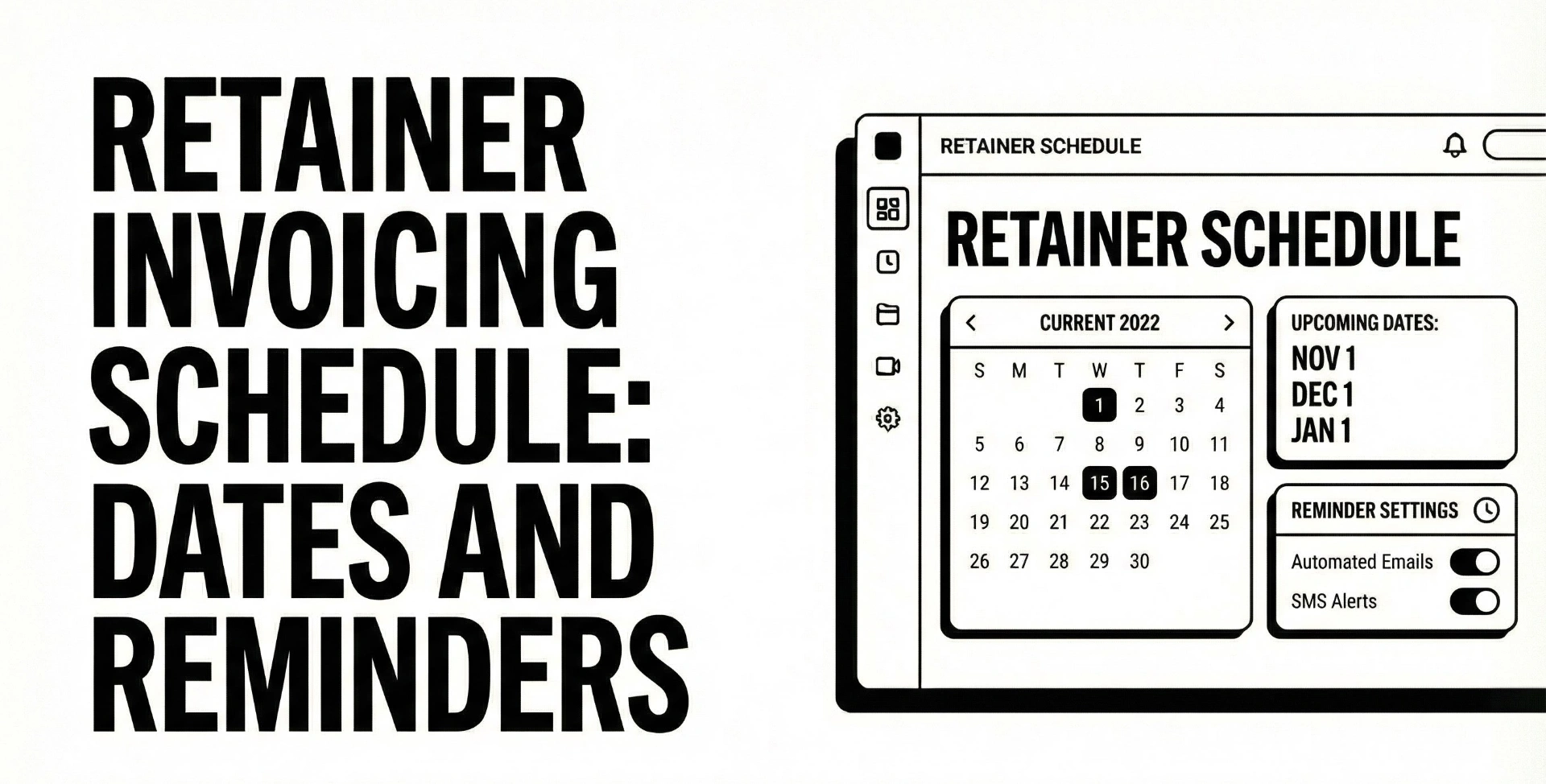
Retainer invoicing schedule with exact dates and reminder cadence
Retainers are supposed to feel calm. Predictable work, predictable billing, predictable cash flow.
Then reality happens: the invoice goes to the wrong inbox, Accounts Payable needs a PO, your client is traveling, or the payment link is annoying, and suddenly your “easy monthly retainer” turns into awkward follow-ups.
This guide gives you a retainer invoicing schedule you can actually run: exact dates, a reminder cadence that stays professional, and templates you can copy.
If you want the follow-up layer to run automatically (and stop when paid), check Can You Pay That.
Key takeaways
- Pick your retainer model first (paid in advance vs in arrears vs drawdown), then pick dates.
- For most agencies and freelancers, paid-in-advance with a consistent due date is the fastest-to-pay setup.
- Your schedule is just two decisions: invoice date + due date, then reminders are offsets.
- A calm cadence is usually: one reminder before due, one on due date, then 3 days overdue, then weekly until resolved.
- If clients routinely need PO or vendor setup, fix that once with onboarding, not with 12 reminder emails.
- Use a tool to generate exact dates and copy: invoice reminder schedule builder.
What a retainer invoicing schedule really is
A retainer invoicing schedule is the system that answers:
- When do you send the retainer invoice?
- When is it due?
- When do reminders go out (and when do you escalate)?
It is not just “send invoice monthly.” The schedule is what makes payment feel routine for the client.
Retainer vs recurring invoice, and why it matters
Many tools treat “retainer” and “recurring invoice” like the same thing, but they are not always the same operationally.
- A recurring invoice often means: same amount, same frequency, auto-created monthly.
- A retainer often means: a fee that reserves capacity, or a prepaid balance that gets drawn down (hours, deliverables, access).
Some systems explicitly separate these invoice types because the workflow differs (how it’s applied, tracked, and reported).
Practical takeaway: your schedule should match the type of retainer you sell, because the “paid in advance” version needs different timing than “bill in arrears.”
The three layers that control payment speed
Think of payment speed as three stacked layers:
- Agreement layer: terms, due date, what happens if unpaid (late fees, pause work), what counts as “delivered.”
- Invoice layer: clarity, fields AP needs, the payment method, and where the invoice goes.
- Follow-up layer: reminders, escalation, and consistency.
If layer 3 is perfect but layer 2 is missing a PO number, you still will not get paid.
Choose your retainer model before you choose dates
If you are not sure which retainer model fits your business, start with monthly retainers vs milestones and then come back here to lock the schedule.
Paid in advance, the rent style retainer
Client pays at the start of the period (or just before). You deliver during the month.
Why it gets paid faster: it aligns with how companies already think about monthly obligations (rent, software, service retainers). It is also easier for you because you do not carry the month’s work on your balance sheet.
Best for:
- Agencies selling ongoing services (SEO, PPC, dev retainers, design support).
- Freelancers selling “priority access” or “reserved capacity.”
Fixed monthly in arrears
You deliver during the month, invoice at month end, due later (Net 7, Net 15, Net 30).
Best for:
- Larger clients that require completed period billing.
- Situations where the monthly total changes or needs approval.
Downside: you float the work longer.
Drawdown retainer, bank of hours
Client prepays a balance, you draw down hours over time.
Best for:
- Advisory, engineering support, fractional roles.
Schedule twist: your “monthly schedule” becomes a replenishment schedule (top up when the balance hits a threshold).
Hybrid retainer plus overage
A base retainer covers a set scope, overage is billed separately.
Schedule twist:
- Retainer invoice is predictable.
- Overage invoice is event-based (monthly add-on, or milestone).
Pick the two dates that decide everything
You can build a clean schedule by choosing:
- Invoice date
- Due date
Everything else is just “send reminders X days before or after due date.”
Invoice date options
Option 1: Send before the period starts (recommended for paid-in-advance)
Example: invoice on the 25th, due on the 1st.
Option 2: Send on the first day of the period
Example: invoice on the 1st, due on the 8th (Net 7).
Option 3: Send at the end of the period (in arrears)
Example: invoice on the last day of the month, due on the 15th.
Due date options that get paid faster
In the real world, the “best due date” is the one that matches how your client pays.
Common fast-to-pay due dates for retainers:
- Due on the 1st: feels like a monthly bill.
- Due on the 8th: gives AP a week (Net 7) without pushing you into next month.
- Due on the 15th: fits many mid-month pay runs for larger orgs.
If you want to keep it simple, pick one default due date for 80 percent of clients, then adjust for enterprise clients who have rigid pay runs.
Weekend and holiday rule you should decide once
Pick one rule and apply it consistently:
- Move due dates forward to the next business day (client-friendly).
- Move due dates back to the previous business day (cash-flow friendly).
Just document your rule in your invoice terms and keep it consistent.
The reminder cadence that works for retainers
Here is the core principle: retainers should feel routine, not like collections.
A common schedule looks like:
- First reminder: 3 to 7 days before due date
- Second reminder: on the due date
- Third reminder: about a week past due, repeat as needed, then send a final warning if necessary
That guidance lines up well with retainer workflows because the client sees the same pattern every month.
If you want a plug-and-play version, use the invoice reminder schedule builder to generate exact send dates for your next invoice cycle.
Pre-due reminders
Pre-due reminders are not rude. They are operational.
They work best when they:
- assume good faith,
- include the invoice again,
- make payment one click.
If you want copy-paste wording, use the 1 day before due reminder template and adjust the tone to match your client relationship.
Due date reminder
One reminder on the due date is enough in most cases. If you send multiple same-day pings, it can feel like spam.
Overdue reminders and an escalation ladder
For retainers, the most productive overdue window is early:
- 3 days overdue: confirm it is in process, ask for a payment date
- 7 days overdue: request confirmation and state next step
- 14 days overdue: final notice tone, apply your policy
For copy-paste, start with the 3 days overdue reminder template and escalate gradually.
When to stop emailing and switch to a boundary
If you keep sending “just checking in” messages, you teach the client that late payment has no consequence.
When you hit your boundary (often 7 to 14 days overdue for retainers), switch from “reminder” to “process”:
- request a payment date,
- pause non-critical work,
- resume when paid.
Use this when you need it: pause work until paid email template.
Exact date schedules you can copy
Below are three schedules that cover most retainer businesses.
To avoid manual math every month, generate your exact send dates with the invoice reminder schedule builder, then reuse the cadence.
Schedule A: Paid in advance, due on the 1st
This is the cleanest “rent style” retainer setup.
Default rule:
- Invoice on the 25th of the prior month
- Due on the 1st
- Reminder 2 days before due
- Overdue reminders at 3 and 7 days after due
Example exact dates for the next cycles (copy this pattern):
Cycle due date | Invoice sent | Reminder 2 days before | Due date reminder | 3 days overdue | 7 days overdue |
|---|---|---|---|---|---|
Mar 1, 2026 | Feb 25, 2026 | Feb 27, 2026 | Mar 1, 2026 | Mar 4, 2026 | Mar 8, 2026 |
Apr 1, 2026 | Mar 25, 2026 | Mar 30, 2026 | Apr 1, 2026 | Apr 4, 2026 | Apr 8, 2026 |
May 1, 2026 | Apr 25, 2026 | Apr 29, 2026 | May 1, 2026 | May 4, 2026 | May 8, 2026 |
Jun 1, 2026 | May 25, 2026 | May 30, 2026 | Jun 1, 2026 | Jun 4, 2026 | Jun 8, 2026 |
Jul 1, 2026 | Jun 25, 2026 | Jun 29, 2026 | Jul 1, 2026 | Jul 4, 2026 | Jul 8, 2026 |
Notes:
- This table shows calendar dates. Apply your weekend and holiday rule consistently.
- If you prefer “days before due date” logic instead of a fixed invoice day, your tool can generate it automatically.
Schedule B: Invoice on the 1st, Net 7 due on the 8th
This is common when clients want a short processing window.
Rule:
- Invoice on the 1st
- Due on the 8th
- Reminder 3 days before due
- Overdue reminders at 3 and 7 days
Example for April 2026:
Step | Date |
|---|---|
Invoice sent | Apr 1, 2026 |
Reminder 3 days before | Apr 5, 2026 |
Due date reminder | Apr 8, 2026 |
Overdue reminder 3 days after | Apr 11, 2026 |
Overdue reminder 7 days after | Apr 15, 2026 |
If you want a broader timing guide beyond retainers, this pairs well with the general reminder timing guide.
Schedule C: Enterprise-friendly due on the 15th
This works when clients have mid-month pay runs or longer approvals.
Rule:
- Invoice on the 1st
- Reminder 7 days before due
- Due on the 15th
- Overdue at 3, 7, and 14 days
Example for March 2026:
Step | Date |
|---|---|
Invoice sent | Mar 1, 2026 |
Reminder 7 days before | Mar 8, 2026 |
Due date reminder | Mar 15, 2026 |
Overdue reminder 3 days after | Mar 18, 2026 |
Overdue reminder 7 days after | Mar 22, 2026 |
Final reminder 14 days after | Mar 29, 2026 |
This is also where the “vendor setup” issues show up most often, so fix onboarding early.
A 12-cycle retainer calendar example
If you run Schedule A (invoice on 25th, due on 1st), here is a 12-cycle view you can model:
Cycle | Invoice date | Due date |
|---|---|---|
Mar 2026 | Feb 25, 2026 | Mar 1, 2026 |
Apr 2026 | Mar 25, 2026 | Apr 1, 2026 |
May 2026 | Apr 25, 2026 | May 1, 2026 |
Jun 2026 | May 25, 2026 | Jun 1, 2026 |
Jul 2026 | Jun 25, 2026 | Jul 1, 2026 |
Aug 2026 | Jul 25, 2026 | Aug 1, 2026 |
Sep 2026 | Aug 25, 2026 | Sep 1, 2026 |
Oct 2026 | Sep 25, 2026 | Oct 1, 2026 |
Nov 2026 | Oct 25, 2026 | Nov 1, 2026 |
Dec 2026 | Nov 25, 2026 | Dec 1, 2026 |
Jan 2027 | Dec 25, 2026 | Jan 1, 2027 |
Feb 2027 | Jan 25, 2027 | Feb 1, 2027 |
If you want the reminder send dates added automatically (and email copy for each step), generate it with the schedule builder.
Prevent delays before you invoice
If a retainer goes late repeatedly, it is usually not because your reminder email “wasn’t firm enough.”
It is because something in the process is missing.
Vendor onboarding packet: PO, W-9/VAT, bank details
For many companies, payment cannot happen until:
- you are set up as a vendor,
- they have your tax form (W-9 in the US, VAT details in many regions),
- they have your bank details,
- and sometimes they have a PO.
Use a simple onboarding checklist and store it once per client: vendor onboarding checklist.
The invoice fields that prevent AP bounce
Every retainer invoice should clearly include:
- Invoice number
- Invoice date
- Due date
- Period covered (example: “Retainer for March 2026”)
- Client legal entity name
- Your legal entity name and address
- PO number (if required)
- Payment instructions or payment link
- Currency and tax lines if applicable
This sounds basic, but missing any of these is how invoices get “lost” inside AP.
Payment links and friction removal
If you can reduce payment to one click, you win.
Even if the client pays by bank transfer, include clear instructions and re-attach the invoice on reminders so they do not have to search.
If you want the reminder layer to run automatically and stop once paid, check Can You Pay That.
How to automate the workflow without spamming good clients
Automation is great, but only if it behaves.
If you use QuickBooks
QuickBooks Online supports automatic reminders based on “days before or after the due date,” and documents that you can schedule reminders up to 90 days before or after due date.
If you want the click-by-click setup and the limitations to watch, use: set up automatic invoice reminders in QuickBooks.
If you use Xero or other tools
Xero’s help docs describe invoice reminders that can be sent before an invoice is due by choosing the number of days prior.
The main operational point: whatever tool you use, you want segmentation (do not nag your best clients) and stopping logic (do not keep reminding after paid).
When a dedicated reminder layer is simpler
If your invoicing tool creates invoices but does not do follow-up well, you can separate the layers:
- Keep your invoicing where it is.
- Use a dedicated system for reminders and client payment experience.
That is the core idea behind Can You Pay That and why it’s useful even if you already have invoicing software.
Copy and paste retainer reminder email templates
If you want these generated in multiple tones automatically, use the invoice reminder email generator.
Template 1: Pre-due retainer nudge
Subject: Retainer invoice [#123] due on [Date]
Hi [Name],
Quick heads-up that our [Month] retainer invoice [#123] for [Amount] is due on [Due Date].
For convenience, I’ve included the invoice again here: [link or attached PDF]
Payment options: [payment link or bank details]
Thank you,
[Your name]
If you prefer a polished version in different tones, pull the closest match from the 1 day before due reminder template.
Template 2: Due today
Subject: Due today: retainer invoice [#123]
Hi [Name],
Reminder that retainer invoice [#123] for [Amount] is due today ([Due Date]).
Invoice: [link or attached PDF]
Payment link: [link]
Thanks,
[Your name]
Template 3: 3 days overdue, ask for a payment date
Subject: Follow-up: invoice [#123] is overdue
Hi [Name],
Just following up on retainer invoice [#123] for [Amount], due on [Due Date]. It looks like it is now 3 days overdue.
Could you confirm the payment date on your side?
Invoice: [link or attached PDF]
Payment link: [link]
Thank you,
[Your name]
For variants that escalate cleanly, use the 3 days overdue reminder template.
Template 4: Firm follow-up with a clear next step
Subject: Action needed: retainer invoice [#123]
Hi [Name],
I’m following up again on retainer invoice [#123] for [Amount], due on [Due Date].
Please confirm one of the following by [Date, 24–48 hours]:
- Payment is scheduled for [Date], or
- There is a blocker we need to resolve (PO, vendor setup, approval)
If we do not have confirmation by then, we will pause non-critical work until payment is received, per our agreement.
Invoice: [link or attached PDF]
Payment link: [link]
Thanks,
[Your name]
If you need a dedicated “pause work” message that stays polite and professional, use: pause work until paid email template.
Conclusion and next step
A retainer invoicing schedule is a system, not a vibe.
Pick:
- the retainer model,
- an invoice date and due date that match how clients pay,
- a calm reminder cadence,
- and one escalation boundary you actually enforce.
Then automate it so you are not re-deciding the same uncomfortable email every month.
If you want exact send dates and ready-to-use copy in minutes, use the invoice reminder schedule builder, and if you want the follow-up layer to run automatically, check Can You Pay That.
FAQ
Should retainers be invoiced before the month starts?
If you sell a paid-in-advance retainer (reserved capacity), invoicing before the month starts is usually the cleanest approach because it aligns payment with the period of service.
What due date is best for monthly retainers?
Common high-compliance options are due on the 1st, due on the 8th (Net 7), or due on the 15th for enterprise pay runs. Choose the one that matches how your client’s AP processes payments.
How many reminder emails should I send for a retainer?
A simple, effective cadence is one pre-due reminder, one due-date reminder, then 3 days overdue and weekly follow-ups if needed.
What if the client says they need a PO or vendor form?
Treat it as an onboarding issue, not a chasing issue. Use a standard vendor packet (tax form, bank details, legal name, PO workflow) and confirm it is complete before the first invoice. Vendor onboarding checklist helps.
Is it okay to pause work until the retainer is paid?
Yes, if it is in your agreement and communicated professionally. Use a calm boundary email and pause non-critical work until payment is confirmed. Pause work until paid email template.
Should I use Net 0, Net 7, or Net 15 for retainers?
Net 0 is fastest but can create friction for larger clients. Net 7 is a strong default for many businesses. Net 15 often fits enterprise pay runs. Pick one default, then adjust for specific clients.
Should I charge late fees on retainers?
Only if your contract and invoice terms clearly state late fees. If you do not want to enforce fees, focus on reminders plus a work pause boundary instead.
What should a retainer invoice include?
Invoice number, invoice date, due date, period covered, legal entities, PO (if required), taxes, and a simple payment method (link or instructions). Consistency beats cleverness.