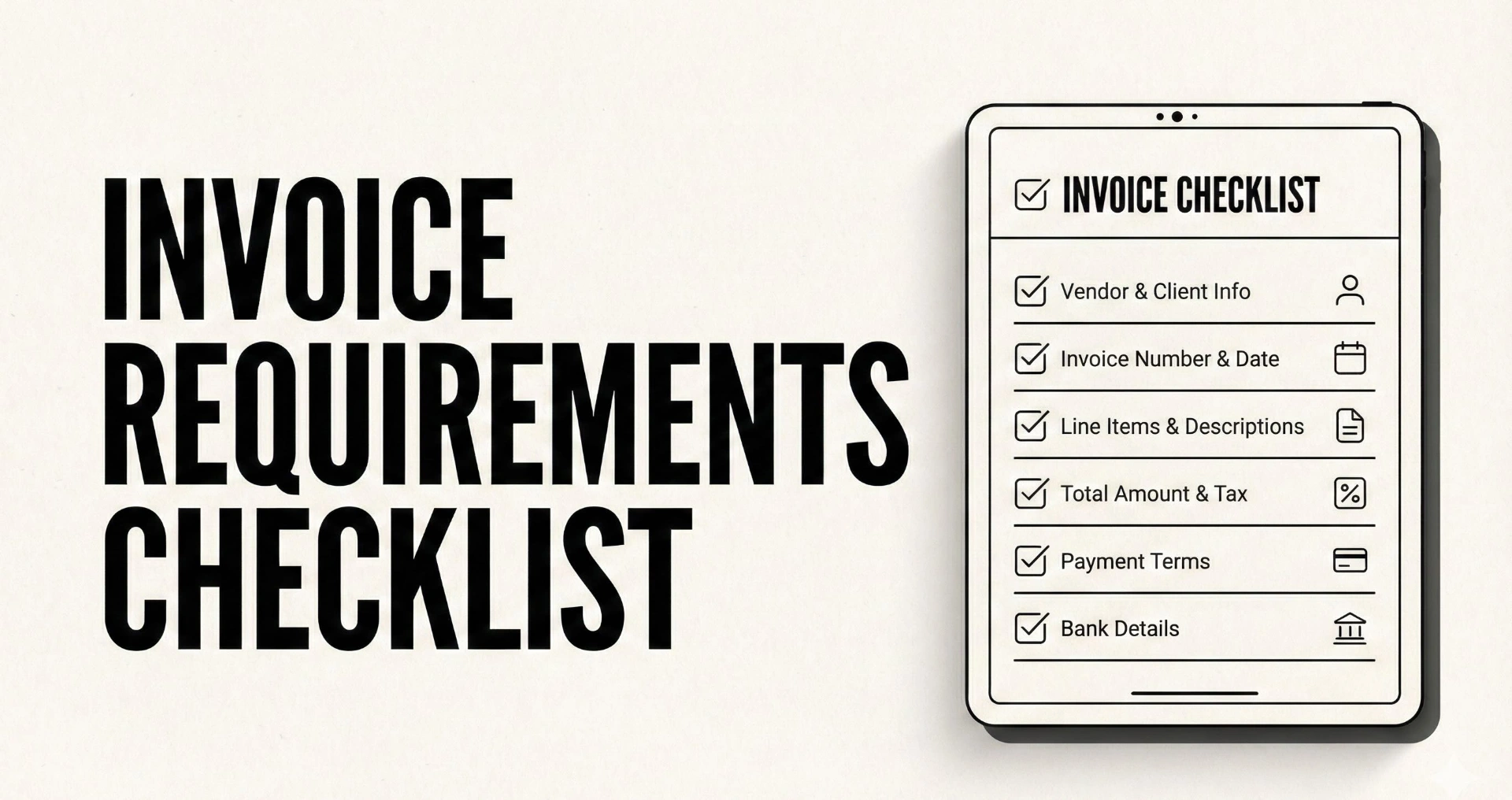
Invoice Requirements Checklist
If you sell services to companies, you’ve probably experienced this:
You deliver. You invoice. You wait.
Then you learn the invoice wasn’t “late”, it was rejected or stuck in Accounts Payable because of something small, like a missing PO number, the wrong legal entity name, or a vendor setup step that nobody mentioned until after the due date.
That is why this guide exists.
You’ll get a copy/paste invoice requirements checklist designed for real-world AP workflows. You’ll also get email templates for sending invoices to AP, resubmitting after rejection, and a follow-up cadence that keeps accepted invoices moving without awkward chasing.
If you want your follow-up layer to run automatically once the invoice is sent (and stop when it’s paid), you can also check Can You Pay That, it’s built for calm, consistent invoice follow-ups.
Key takeaways
- “AP rejected it” is one of the most common hidden causes of slow payment, and it’s usually fixable in minutes with the right fields and references.
- AP checks happen in layers: a formal check (required fields) and a matching check (does it match the PO, contract, and received goods/services).
- A valid invoice (legal minimum) is not always payable in a company’s system, payable invoices often require PO number, remit-to, vendor ID, cost center, or portal submission.
- The fastest way to prevent rejections is to build a client billing profile once (AP email, PO rules, invoice format rules) and reuse it every month.
- After acceptance, a predictable reminder cadence (pre-due, due, 3 days overdue) reduces late payments without sounding aggressive.
What AP actually does with your invoice (why rejections happen)
When your invoice hits Accounts Payable, it usually goes through two broad stages.
Stage 1: Formal checks (is the invoice “complete”?)
This is where invoices get rejected for missing basics like:
- invoice number
- invoice date
- supplier details
- description and totals
- tax fields (when required)
- payment terms
This “required field” idea is consistent across invoice requirements guidance and invoice verification checklists.
Stage 2: Matching checks (does it match what they approved?)
Many organizations verify invoices by matching them against internal approval records, typically:
- 2-way matching: invoice vs purchase order
- 3-way matching: invoice vs purchase order vs goods receipt note (or service receipt/confirmation)
If your invoice doesn’t match the PO, doesn’t include the PO number, or doesn’t align on quantities, unit prices, or scope, AP may reject it or “park” it until someone clarifies.
The practical takeaway
To prevent AP rejection, your invoice has to be:
- valid (legal minimum), and
- payable (matches their internal workflow)
You need both.
The two layers of invoice requirements
Layer 1: Legal minimum, what must be on an invoice
Invoice requirements vary by country, but most jurisdictions converge on the same core set: unique invoice identifier, supplier and customer details, invoice date, description, amounts, and applicable taxes.
For example, the UK government lists must-include items like a unique identification number, supplier and customer names and addresses, invoice date, supply date, amounts, VAT if applicable, and total owed.
Stripe’s invoice requirements guide similarly frames invoices as formal documents and emphasizes including the key elements that avoid delayed payments or disputes.
Layer 2: AP approval requirements, what makes it payable
AP departments often require additional fields and references to process invoices inside their systems.
A concrete example: Carnegie Mellon University’s AP FAQ says each invoice must include invoice number, invoice date, purchase order number, remit-to address, quantity, unit price, total price, and total invoice amount.
Even if your jurisdiction doesn’t require PO numbers legally, many AP teams do operationally.
Invoice requirements checklist (copy/paste)
Use this checklist as a pre-flight before you send any invoice to a company with AP.
A. Supplier identity and “who to pay” fields
Must have
- Legal supplier name (exactly as registered)
- Supplier address (registered or billing address)
- Supplier contact email and phone
- Tax ID / VAT ID / GST ID (as applicable to your region and the buyer’s requirements)
AP-friendly
- Remit-to address (if different from your main address)
- Supplier bank details reference (see payment section for safe handling)
- Supplier vendor ID in their system (if assigned)
Why AP rejects: legal name mismatch or remit-to mismatch can trigger manual review.
B. Buyer identity and routing fields
Must have
- Customer legal entity name
- Customer billing address
AP-friendly
- Bill-to contact or department name (Accounts Payable)
- Buyer contact (project owner) and optional CC
- Service location (for on-site work) or “ship-to” for goods
- Contract reference or SOW reference (if they use it internally)
Why AP rejects: invoice sent to the wrong entity or wrong address can be treated as “not billable.”
C. Invoice header fields
Must have
- Invoice number (unique)
- Invoice date
- Due date and payment terms (Net 7, Net 15, due on receipt, etc.)
- Supply date or service period (when the goods/services were provided)
AP-friendly
- Invoice currency
- Your internal reference: “Retainer for March 2026”, “Milestone 2”, etc.
- Purchase order number (if they require a PO)
- Cost center / department code (if provided by client)
Why AP rejects: missing PO number or missing service period makes matching harder.
D. PO and matching requirements (the #1 rejection source in B2B)
If the client uses POs, treat this as non-optional.
If a PO exists, include:
- PO number (exact)
- PO line references (if they require line-level matching)
- Your line items aligned to the PO scope and pricing
- Quantity and unit price fields where relevant
If no PO exists, confirm:
- “PO not required” (in writing, ideally)
- Or the process to obtain one before invoicing
Why AP rejects: invoices that can’t be matched to an approved PO often stall.
If you repeatedly get “we need a PO” after you invoice, fix it upstream with a vendor packet and onboarding routine. Use this vendor onboarding checklist to capture PO rules, vendor forms, and AP contacts once.
E. Line items, scope, and pricing fields
Must have
- Clear description of goods/services
- Quantity and unit price when applicable
- Line totals and invoice total
AP-friendly
- Service period per line item (if billed monthly)
- Reference to deliverable, milestone, or timesheet period
- Discount line items shown explicitly (instead of “magic totals”)
Why AP rejects: vague “consulting services” with no period or deliverable can trigger dispute or approval delay.
F. Taxes, VAT, and totals
Must have
- Subtotal
- Taxes (VAT/GST/sales tax) where applicable
- Total amount due
AP-friendly
- Tax rate per line item when required
- Reverse charge notes (where applicable)
- “Tax exempt” reason or reference if applicable
Why AP rejects: tax field mismatches often trigger compliance review.
Helpful general reference: GOV.UK invoice must-include list and Stripe invoice requirements.
G. Payment terms and remittance details
Must have
- Due date or payment terms
- Accepted payment methods (bank transfer, card, ACH, etc.)
AP-friendly
- Payment link (if you accept cards)
- Bank transfer details (if bank transfer), include instructions to reference invoice number
- “Remittance advice” request (ask them to send payment confirmation email)
Security note: do not casually change bank details via a random email thread. If you need to update bank info, use a secure document and confirm via a known contact.
H. Attachments and supporting documents (when needed)
For many service invoices, attachments are optional. For PO-driven organizations, they can be mandatory.
Include when requested:
- Timesheets or activity summary (for time-based work)
- Signed acceptance or delivery confirmation (for milestones)
- Purchase order PDF (some orgs want it attached, others explicitly do not, follow their policy)
- Expense receipts (if you bill expenses)
Why AP rejects: missing support docs can prevent approval or create disputes.
I. Submission rules (email, portal, file naming)
This is the difference between “invoice is valid” and “invoice is processed.”
Confirm:
- Where invoices must be submitted (AP email vs portal)
- Whether they need a PDF attachment
- Whether they require specific subject line formats
- Whether they require one invoice per email
Example of strict submission rules: Carnegie Mellon’s AP FAQ specifies an email address for invoices and emphasizes that invoices must include required info including a PO number.
AP-friendly email subject line patterns
- Invoice [Invoice #] | [Vendor Name] | [PO #] | [Amount]
- [Vendor Name] Invoice [Invoice #] for PO [PO #]
File naming
- Invoice-[InvoiceNumber]-[VendorName].pdf
- Include PO number if required: Invoice-[InvoiceNumber]-PO-[PONumber].pdf
“AP won’t reject it” templates
1) AP-ready invoice email (copy/paste)
Subject: Invoice [Invoice #] | PO [PO #] | [Vendor Name] | [Amount]
Hi Accounts Payable,
Please find attached Invoice [Invoice #] for [Amount], due [Due Date].
Key references:
- PO: [PO #]
- Service period: [Dates]
- Remit-to: [Address]
Invoice PDF attached. If anything is missing for processing, please reply with the required fields and I will correct and resend today.
Thank you,
[Name]
[Company]
[Phone]
2) One-page “invoice cover note” (paste into invoice or email)
Invoice summary:
- Invoice #:
- Invoice date:
- Due date / terms:
- Amount due:
- Currency:
- PO #:
- Vendor ID (if applicable):
- Service period:
- Remit-to:
- Payment method:
- Contact for billing questions:
This cover note reduces “AP needs context” loops.
3) Resubmission email after rejection (copy/paste)
Subject: Resubmission: Corrected Invoice [Invoice #] | PO [PO #]
Hi Accounts Payable,
Thanks for the note. I’ve corrected Invoice [Invoice #] to include [what you fixed].
Attached is the updated invoice PDF.
Could you confirm it is now ready for processing and advise the scheduled payment date?
Thank you,
[Name]
The most common AP rejection reasons (and fastest fixes)
Rejection reason | Why it happens | Fastest fix |
|---|---|---|
Missing PO number | AP cannot match invoice to approved spend | Get PO from buyer, add to invoice header and subject, resend |
PO mismatch | Amount, unit price, or scope doesn’t match PO | Align line items to PO lines, ask buyer to update PO if scope changed (Ramp) |
Wrong legal entity | Buyer has multiple subsidiaries | Confirm exact bill-to entity and address, reissue invoice |
Duplicate invoice number | AP systems block duplicates | Use unique numbering sequence, reissue with new invoice number |
Missing remit-to or bank details | AP cannot route payment | Provide remit-to and payment method, ideally in a consistent vendor packet |
Invoice includes multiple balances | AP cannot process ambiguous amounts | Keep invoice to a single amount due, issue separate credit memo if needed (Carnegie Mellon University) |
Missing service period | Approver can’t validate what period is billed | Add “Service period: Feb 1–Feb 29” in header or line items |
Missing attachment / portal submission required | Invoice not entered into their workflow | Follow their submission method, resend correctly |
Prevent rejections before they happen
Build a client billing profile once
Create a “billing profile” for each client with:
- AP email and buyer email
- PO required yes/no
- Vendor portal required yes/no
- Vendor ID (if assigned)
- Required invoice fields (cost center, contract reference)
- Pay run schedule
- Preferred payment method
Then reuse it for every invoice. This is the single highest ROI move.
Use a vendor packet for Accounts Payable
If you frequently sell to larger orgs, you will get asked for:
- vendor form
- tax form (W-9 / VAT details depending on region)
- bank details
- remit-to address
Keep it ready and send once, securely. This is exactly what the vendor onboarding checklist is built for.
After the invoice is accepted: reminder cadence that keeps it moving
Once AP accepts an invoice, payment delays become less about rejection and more about timing. This is where reminders are useful.
A simple cadence that stays professional:
- 1 day before due date (gentle nudge)
- on due date (clear)
- 3 days overdue (ask for status and payment date)
You can copy templates directly:
If you want exact dates for a specific invoice, use the invoice reminder schedule builder to generate a calendar and copy.
If you want to generate tone variants fast (polite, neutral, firm), use the invoice reminder email generator.
Escalation boundary (when payment is truly stuck)
If reminders are ignored or payment dates keep slipping, you need a boundary.
Use the pause work until paid email template to pause non-critical work politely while keeping the relationship intact.
For the full “system view” that makes this rare, read reduce late payments from clients and align onboarding, invoicing, and follow-ups.
Conclusion
AP rejection is not a moral failure. It’s usually a missing field, a missing reference, or a mismatch in how the buyer processes invoices.
Use the checklist once, build a billing profile per client, and your “late payment” problem often shrinks immediately.
If you want follow-ups to run automatically after you send an AP-ready invoice, check Can You Pay That and let reminders run consistently until the invoice is paid.
FAQ
What must be included on an invoice?
At minimum, invoices typically include a unique invoice number, supplier and customer details, invoice date, supply/service date, description, amounts, and applicable taxes.
What is the difference between invoice requirements and AP requirements?
Invoice requirements are the legal or standard fields that make an invoice valid. AP requirements include operational fields needed to process payment inside their system, like PO number, remit-to details, and portal submission rules.
Why do companies require a PO number?
Many companies approve spending through purchase orders, and AP matches invoices to the PO (and sometimes a receipt) to prevent overpayment and fraud.
Should I include bank details on invoices?
If you accept bank transfer, include clear remittance instructions, but handle bank detail changes carefully and securely. Many AP teams verify bank changes to prevent fraud.
What should I do if AP rejects my invoice?
Reply with a corrected invoice quickly, include the requested reference (often PO number or remit-to), and ask for confirmation of the scheduled payment date after acceptance.
How do I reduce late payments once the invoice is approved?
Use a predictable cadence (pre-due, due date, early overdue), then escalate with a boundary if needed. Tools like schedule builders and template libraries remove friction from doing this consistently.
What should the invoice email subject line include?
Use a simple routing-friendly subject: invoice number, vendor name, PO number (if required), and amount. This helps AP triage faster.