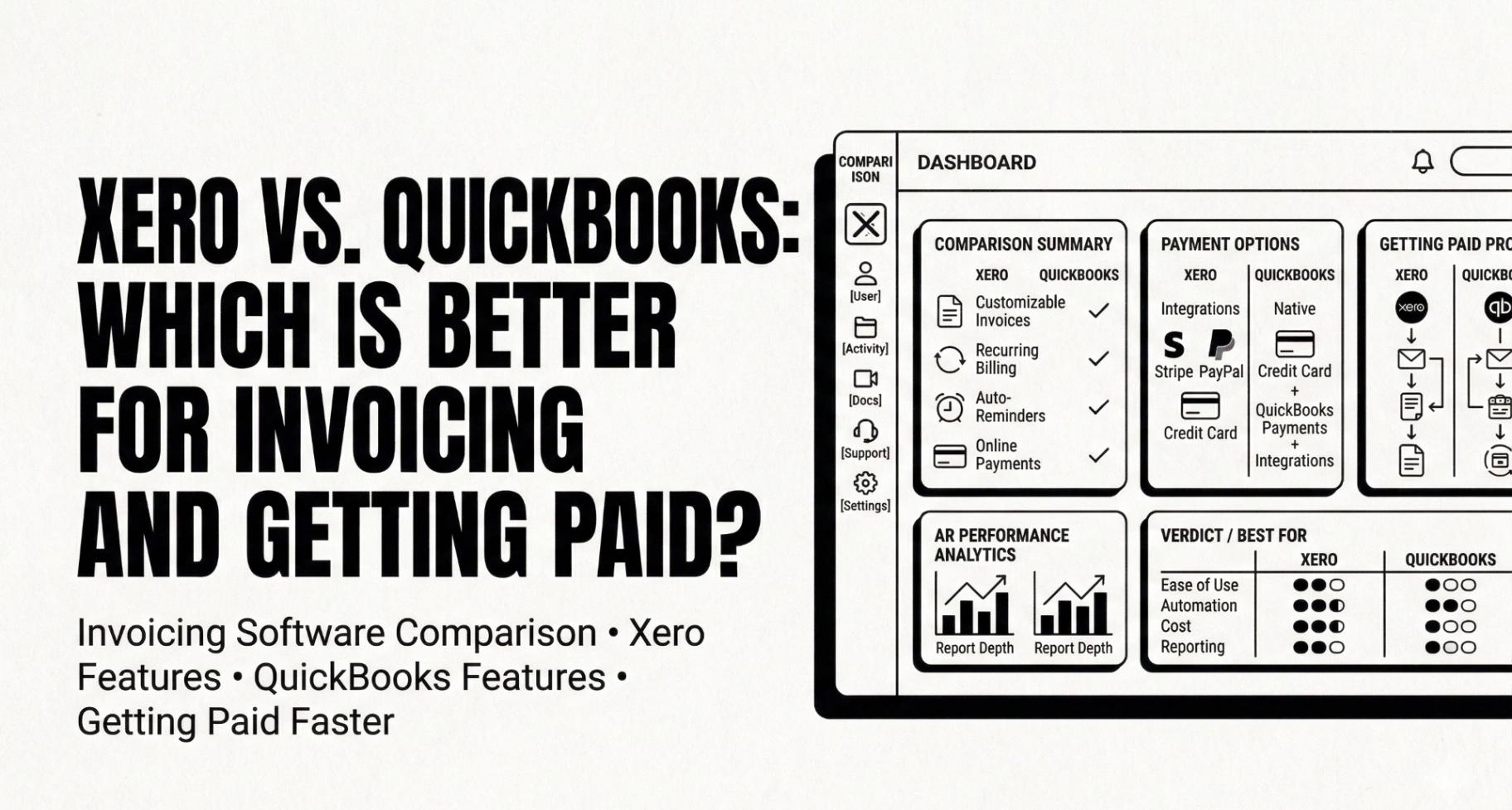
Xero vs. QuickBooks: Which Is Better for Invoicing and Getting Paid?
Why This Comparison Actually Matters
If you're a freelancer, agency owner, or small business, the accounting tool you pick directly affects how fast you get paid. Both Xero and QuickBooks are solid platforms — but they handle invoicing, reminders, and payment tracking very differently.
This isn't a generic feature checklist. We'll focus on the things that actually impact your cash flow: invoice creation, automated reminders, payment options, and accounts receivable management.
Quick Overview: Xero vs. QuickBooks at a Glance
Invoicing: Head-to-Head Comparison
Creating Invoices
Both platforms make it straightforward to create professional invoices. Xero offers a clean, modern editor with good customization options — you can adjust layouts, add logos, and set default payment terms. QuickBooks provides a similar experience but with slightly more template variety out of the box.
Winner: Tie — both handle basic invoicing well.
Recurring Invoices
If you bill clients on a recurring basis (retainers, subscriptions, monthly services), both platforms support recurring invoices. Xero's implementation is slightly more flexible with scheduling options, while QuickBooks makes it easier to set up from the invoice screen itself.
For a deep dive on retainer billing strategies, see our guide on retainer invoicing schedules with exact dates and reminder cadence.
Multi-Currency Support
This is where Xero pulls ahead. Multi-currency is available on all Xero plans, making it ideal for agencies and freelancers working with international clients. QuickBooks restricts multi-currency to its Plus plan ($55/month) and above — a significant cost difference.
Winner: Xero, especially for international businesses.
Invoice Reminders: The Cash Flow Differentiator
This is where the real money is. The best invoice reminder schedule can reduce your average days-to-payment by 30% or more.
Xero's Reminder System
Xero lets you set up automated invoice reminders with reasonable customization. You can configure reminders at different intervals and customize the email content. For a full walkthrough, check our Xero invoice reminders setup guide.
However, Xero's reminders have limitations:
QuickBooks' Reminder System
QuickBooks also offers automated reminders, but with even more constraints. Read our detailed breakdown: How to set up automatic invoice reminders in QuickBooks (and what it can't do).
Key limitations include:
The Reminder Gap
Both Xero and QuickBooks provide basic reminder functionality, but neither offers the kind of intelligent, multi-stage reminder sequences that actually get invoices paid. For a comparison of tools that fill this gap, see our guide on invoice reminder software for small business.
If you want ready-to-use email copy, grab our invoice reminder email templates — they work regardless of which platform you use.
Winner: Xero (slightly), but both leave significant room for improvement.
Getting Paid: Payment Options Compared
Xero
Xero integrates with Stripe and GoCardless for online payments. This gives your clients flexibility to pay via credit card or direct debit directly from the invoice. The open integration approach means you're not locked into proprietary payment processing.
QuickBooks
QuickBooks pushes its own QuickBooks Payments solution. It's convenient (deeply integrated) but means you're tied to their processing rates. You can also accept bank transfers (ACH), which keeps fees lower.
Winner: Xero for flexibility; QuickBooks for simplicity.
Accounts Receivable Management
Both platforms provide aging reports showing overdue invoices by 30/60/90+ day buckets. However, neither platform offers robust collections workflows — things like automatic escalation, dispute tracking, or payment promise management.
For best practices on managing AR effectively, read our accounts receivable best practices for small business guide, and learn how to reduce late payments with a practical system.
Pricing Breakdown (2026)
Key takeaway: Xero is generally more affordable, especially if you need multi-currency. QuickBooks' entry price has crept up significantly over the years.
Who Should Choose What?
Choose Xero If:
Choose QuickBooks If:
The Missing Piece: Neither Solves the "Getting Paid" Problem
Here's the honest truth: both Xero and QuickBooks are accounting tools first, invoicing tools second. They're built to track your finances, not to optimize your payment collection.
The features that actually get you paid faster — intelligent reminder sequences, escalation workflows, client payment portals, AR case management, and automatic invoice reminders that work without chasing — are either missing or severely limited in both platforms.
That's exactly why we built Can You Pay That.
How Can You Pay That Fills the Gap
Can You Pay That isn't a replacement for Xero or QuickBooks — it's the payment collection layer that sits alongside your accounting tool. Here's what you get:
Whether you choose Xero or QuickBooks for your accounting, pair it with Can You Pay That to actually get paid on time. Start free today — no credit card required.